Wondering what is cloud gaming and whether your phone can use it? It means the game runs on a remote server and streams to your screen, so your device only shows video and sends your taps back.
This guide is part of our gaming section, and it is independent: we are not connected to any service named here.
| Item | Value |
|---|---|
| GeForce NOW, 720p at 60 FPS | At least 15 Mbps |
| GeForce NOW, 1080p at 60 FPS | At least 25 Mbps |
| GeForce NOW latency to data center | Less than 80 ms |
| GeForce NOW, 4K at 120 FPS (Ultimate tier) | At least 45 Mbps |
| Xbox Cloud Gaming entry-level download speed | At least 20 Mbps, on 5GHz Wi-Fi |
The figures come from NVIDIA’s GeForce NOW requirements page and TechRadar’s Xbox Cloud Gaming guide. They can change, so check the source before you rely on them.
How cloud gaming works
Think of it as video streaming that you can play. A powerful computer in a data center runs the game, encodes the picture as a video stream, and sends it to you over the internet.
Your phone, tablet, TV or laptop decodes that video and sends your button presses back to the server. Because the heavy work happens elsewhere, the game does not need to be installed or run on your own hardware.
The loop looks like this:
- You press a button or tap the screen.
- The input travels to the remote server.
- The server updates the game and renders the next frame.
- The frame is compressed and streamed back to your device.
All of that has to happen fast enough that it feels instant. That is why the connection matters more than your device’s chip.
What you need to start
You need three things: a service, a supported device and a good connection. Some services also need a paid plan.
For Xbox, TechRadar says you “must subscribe to the Xbox Game Pass Ultimate tier, have a strong internet connection, and have a supported device to play the games on.” On phones and tablets, it adds that you also need the Xbox Game Pass app.
NVIDIA’s service works differently. It publishes internet requirements for its GeForce NOW service, including higher ones for its Ultimate membership. Check each provider’s own page for current plans, because they change.
- A service: Xbox Cloud Gaming and GeForce NOW are two well-known examples.
- A device: a phone, tablet, laptop or TV that the service supports.
- A connection: stable Wi-Fi or a wired link, covered below.
- A controller (optional): many games feel better with physical buttons.
If you want physical controls, our guide to the best mobile game controllers explains the options.
How fast does your internet need to be?
Speed sets the picture quality, and stability sets how smooth it feels. NVIDIA states that GeForce NOW “requires at least 15Mbps for 720p at 60 FPS and 25Mbps for 1080p at 60 FPS.”
Higher tiers ask for more. NVIDIA lists at least 45 Mbps for its top 4K streaming at 120 FPS, and at least 35 Mbps for some 1440p modes at 120 FPS.
For Xbox, TechRadar says “You’ll need down speeds of at least 20 Mbps and a 5GHz Wi-Fi connection for an entry-level cloud gaming experience.” It also notes that faster speeds give a more solid connection, which lowers latency and reduces screen tearing and the occasional blank screen.
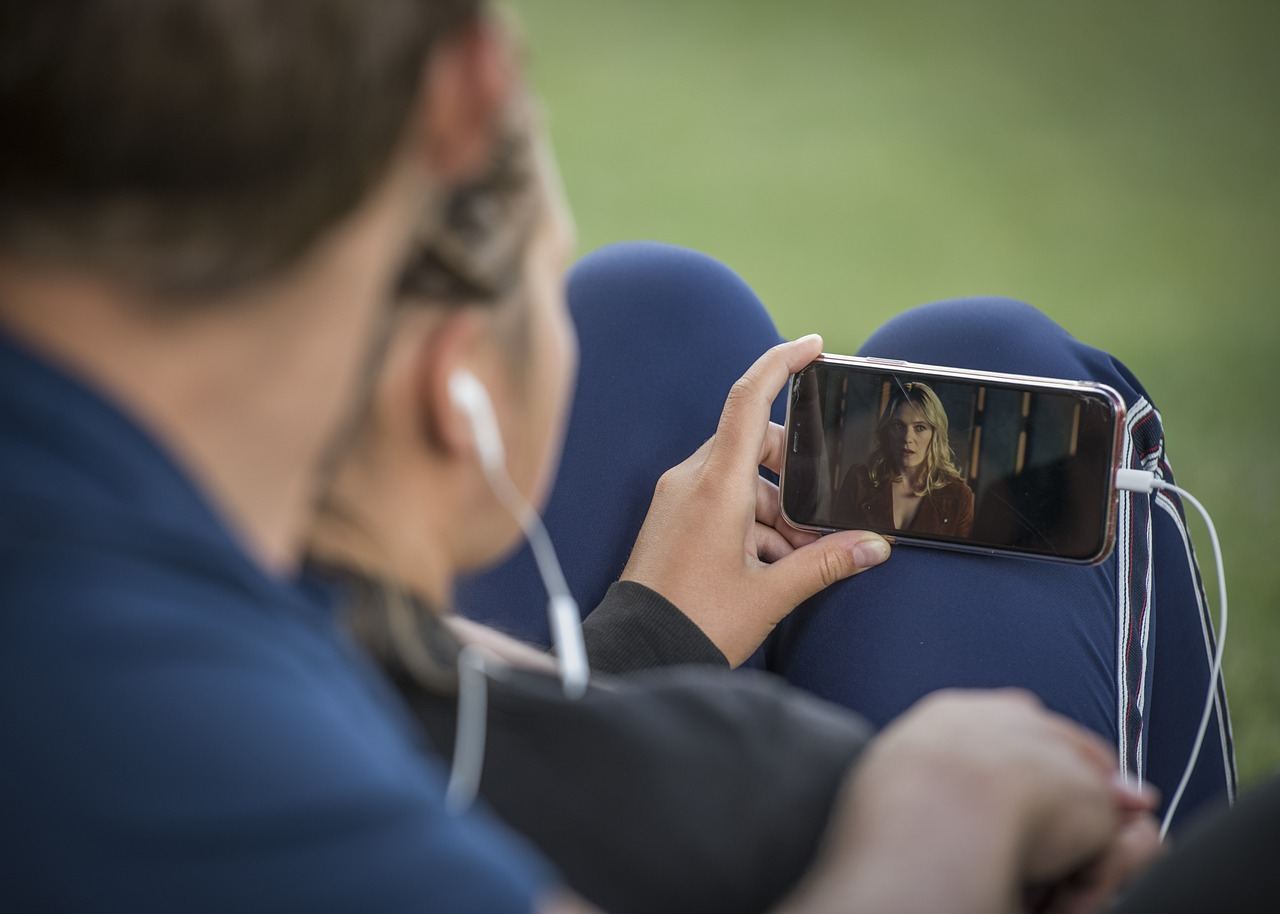
Plan for data use too. Streaming video all session long can use a lot of data, so check your mobile plan before you play away from Wi-Fi.
Latency, Wi-Fi and what lag feels like
Latency is the delay between your input and the reaction on screen. NVIDIA says it requires “less than 80ms latency from an NVIDIA data center.”
You can lower your own delay with a few habits:
- Use wired Ethernet where you can. NVIDIA recommends “a hardwired Ethernet connection, or a 5GHz wireless router.”
- Sit close to your router if you are on Wi-Fi.
- Pause other big downloads and video streams in your home.
- Pick the closest server region the service offers.
Fast-paced games such as shooters and racers show lag most. Turn-based games, puzzle games and slower adventures forgive a delay much better, so they are a good place to start.
Pros, limits and a phone-first view
The big win is access. A mid-range phone can show a game that its own chip could never run, and you skip large downloads and storage worries.
The limits are real, though. You need a steady connection, the picture is compressed, and the game library depends on the service. TechRadar notes that Xbox Cloud Gaming cannot stream “at 4K resolution.”
Touch controls are another catch. Some cloud games have touch layouts, but many were built for a gamepad.
If you are curious about PC titles on a handset, our walkthrough on how to play pc games on phone covers the routes, and cloud streaming is one of them.
Who cloud gaming suits, and who should skip it
Cloud gaming suits you if your phone is a few years old but your home internet is solid. It also fits people who want to try a big game before they commit storage space or money to it.
It is a weaker fit if your connection drops often, if you travel a lot on patchy mobile data, or if you mostly play competitive games where every split second counts. In those cases, a game installed on your device will usually feel better.
Use this quick checklist before you sign up for anything:
- Run a speed test on the exact spot where you will play, not next to the router.
- Compare the result with the provider’s own requirements page.
- Try a free tier or trial where one is offered, and test a fast game and a slow game.
- Check which games the service actually offers before you pay.
- Note whether your plan has a data cap if you will play over mobile data.
The service may change its library, tiers and device support over time. Treat any single review, including this one, as a starting point and confirm the details with the provider.
A sensible first test is one evening on home Wi-Fi with a controller in hand. If the picture is sharp and the controls feel responsive, you have your answer. If it stutters, move closer to the router, switch to wired Ethernet if you can, and try again before you give up on the idea.
Frequently asked questions
Do I need a powerful phone for cloud gaming?
Show answer
No. The server does the heavy work, and your phone only decodes video and sends inputs. It still needs to be a supported device with a good screen and a stable connection.
Is Wi-Fi or mobile data better?
Show answer
A 5GHz Wi-Fi network or wired link is usually steadier. NVIDIA recommends a hardwired Ethernet connection or a 5GHz wireless router, and TechRadar asks for 5GHz Wi-Fi for Xbox.
Does cloud gaming cost money?
Show answer
Often yes. TechRadar says Xbox Cloud Gaming first requires an Xbox Game Pass Ultimate subscription. Other services have their own tiers, so check the provider’s page.
Why does my game lag even with fast internet?
Show answer
Speed is not the same as latency. A distant server, a crowded Wi-Fi network or other devices using the connection can add delay. NVIDIA asks for latency under 80 ms to its data center.