Picking from the best soccer games for android is easier with a plan. For a deep, licensed career, start with Dream League Soccer 2026. For realistic matches online, try eFootball.
This guide is part of our wider look at soccer games on mobile.
| Item | Value |
|---|---|
| eFootball download milestone | Over 1 billion downloads |
| eFootball storage needed | About 3.5 GB |
| eFootball connection | Internet required to play |
| Dream League Soccer 2026 licensed players | 4,000+ FIFPRO licensed |
| Dream League Soccer 2026 divisions | 8 |
| Dream League Soccer 2026 cup competitions | More than 10 |
These figures come from the publishers’ App Store listings for eFootball and Dream League Soccer 2026. They can change with updates, so check the listing on your own store before you rely on them.
What makes a soccer game worth installing on Android?
Android phones vary a lot, so the best pick depends on your device as much as your taste. Before you download anything, check four things:
- Storage: some games need several gigabytes.
- Whether the game needs a constant internet connection.
- How the game handles in-app purchases.
- Whether you prefer quick matches or a long career.
None of these is about graphics alone. A game that runs smoothly on a mid-range phone beats a beautiful one that stutters.
eFootball: realistic matches and a huge player base
eFootball is the pick if you want a match that feels like a broadcast game. Its App Store listing says it has surpassed 1 billion downloads, which suggests a very large player base.
The trade-off is size and connection. The listing says approximately 3.5 GB of free space is needed and that an internet connection is required to play. If your storage is tight or your signal is patchy, that matters.
Check the listing on your own store for how it handles purchases before you spend anything, and try it without spending first.
Dream League Soccer 2026: build a club from scratch
Dream League Soccer 2026 suits you if you enjoy managing a team as much as playing. Its listing advertises over 4,000 FIFPRO licensed players and a climb through 8 divisions with more than 10 cup competitions.
The listing also describes collecting your dream team and taking on the world’s best soccer clubs. That gives a long-term goal beyond single matches.
It is free to play with optional purchases. The listing notes that additional content and in-game items may be bought for real money.
Setting up your phone for smoother play
Your phone’s condition can affect how smoothly a game runs. A few habits help a lot on Android, whatever you install.
- Close other apps before a match so memory is free.
- Keep the phone cool; a hot phone slows itself down to protect the battery.
- Switch off battery saver while you play, since it can cap performance.
- Use Wi-Fi for online modes and for big downloads.
- Try the in-game graphics settings if the game offers them and lower them if matches stutter.
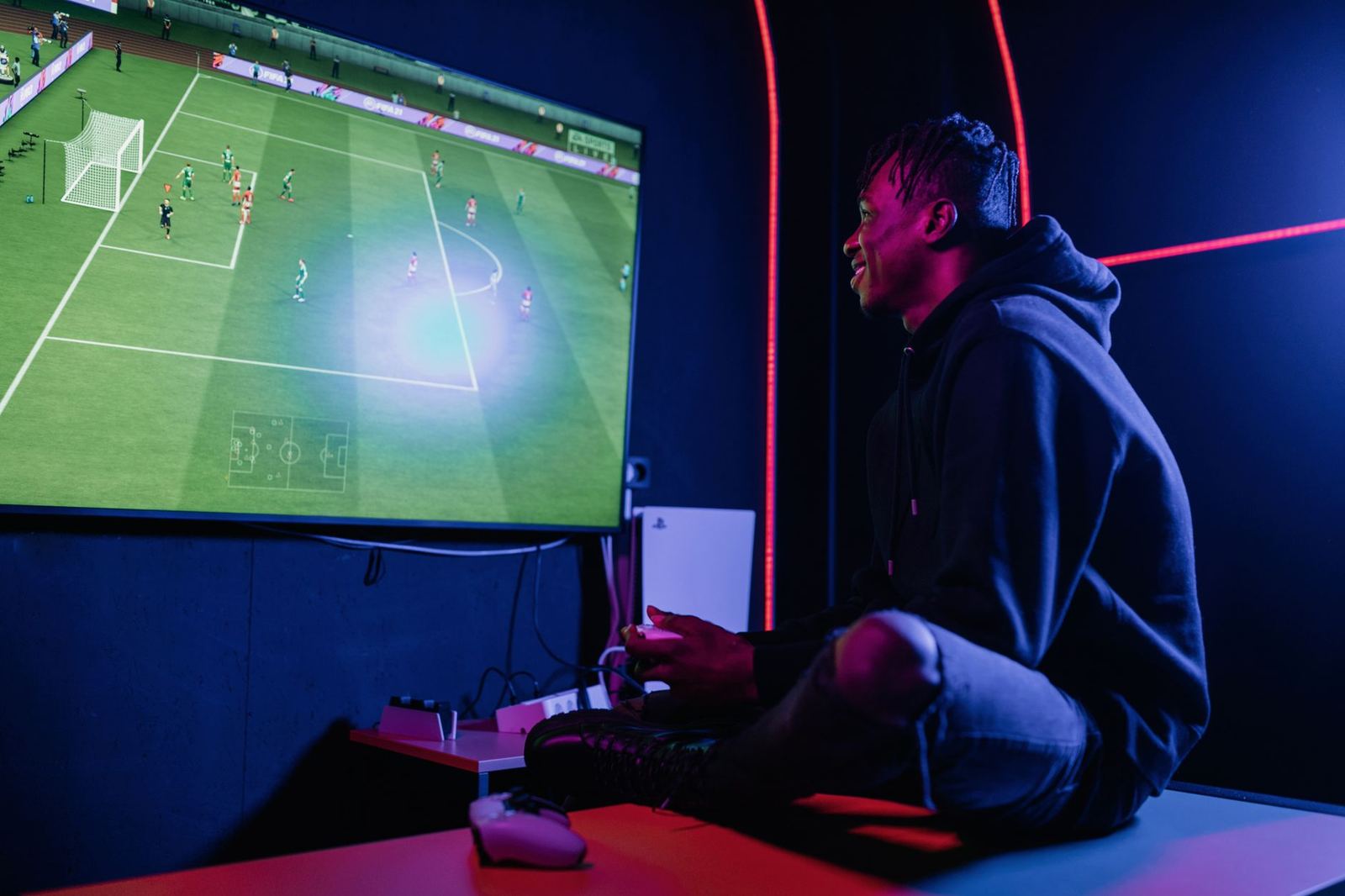
A controller can also help if the game supports one. Touch controls are fine for quick matches, but passing and shooting feel more precise with physical buttons.
Spending, parental controls and staying in control
Both games are free to start, so the real question is how much you want to spend. Decide on a limit before you open the store, and stick to it.
Android lets you require authentication for purchases and set up parental controls through the Google Play settings. Use those if a younger player shares your phone. Random-item rewards can be tempting, so remember that they are chance-based and that waiting for free rewards is a valid way to play.
Reading recent reviews on your own store before you spend is also worthwhile. Games change through updates, and the mix of free and paid content can shift over time.
How to choose between them
Use your habits to decide, not the download counts. Ask yourself these questions:
- Do you play mostly on Wi-Fi? If so, eFootball’s online focus works.
- Do you have several gigabytes free? eFootball needs them.
- Do you like building a squad and a stadium? Choose Dream League Soccer 2026.
- Are you playing in short bursts? Pick whichever loads fastest on your phone.
You can install both and keep the one you open more often. Delete the other to free space.
Give each game a fair trial of a few sessions rather than judging it on the first match. Controls take time to learn, and the first matches are rarely representative of the game once you know how passing, shooting and defending work.
It also helps to be honest about what you want from a session. If you have a few minutes on a commute, a short match with no setup suits you. If you have an evening, a career or club-building mode gives you a reason to keep going.
Finally, remember that your phone may not suit every game. Older devices can struggle with large installs, and a smaller, simpler game that runs well is a better choice than a flagship title that crashes.
Getting better at mobile soccer
Mobile soccer games reward patience more than button mashing. Most new players lose the ball by rushing every attack.
- Pass short and keep possession until a gap opens.
- Use through-balls sparingly and time them as the runner starts to move.
- Defend by staying between the ball carrier and your goal instead of lunging.
- Practise set pieces in a relaxed mode before you try them in a ranked match.
- Learn your squad’s strengths, because a fast winger and a slow defender need different roles.
Watch your replays after a loss. They show where space opened up and where your defenders were out of position, which is often more useful than another match straight away.
Real football knowledge carries over directly. Understanding formations, pressing and how a back line holds its shape will make you a calmer player on any title you pick.
Understand the rules to play better
Soccer games reward players who know the sport. The rule that trips up most newcomers is offside, and our explainer on what is offside in soccer covers it in plain language.
The IFAB’s Law 11 page states that it is not an offence to be in an offside position. A player is only penalised when involved in active play, which is why timing your through-balls matters.
If you also own an Apple device, see our guide to the best soccer games for iphone for how the lists compare.
Frequently asked questions
Are these games free on Android?
Show answer
Both listings describe the games as free to play with in-app purchases. Check the Play Store listing for current pricing on your device.
Do I need internet to play eFootball?
Show answer
Yes. The App Store listing says an internet connection is required to play eFootball.
How much space does eFootball need?
Show answer
The listing says approximately 3.5 GB of free storage is required. Updates may change that, so check before downloading.
Which game is better for managing a club?
Show answer
Dream League Soccer 2026 puts more weight on building a club, with divisions, cups and stadium facilities.