Want to play big games on a modest phone? Here is how to stream mobile games: pick a cloud service, check your connection, pair a controller, and play over Wi-Fi.
This guide sits in our wider gaming section.
| Item | Value |
|---|---|
| Xbox Cloud Gaming minimum connection | 10 Mbps download over Wi-Fi or LTE |
| Xbox quality target on some devices | 20 Mbps |
| Xbox Wi-Fi advice | 5GHz Wi-Fi recommended |
| GeForce NOW, HD up to 60 FPS | 15 Mbps |
| GeForce NOW, full HD at 60 FPS | 25 Mbps |
Figures come from Xbox’s cloud gaming page and NVIDIA’s GeForce NOW requirements page, as read when this article was written. Providers change requirements, so check the source before you rely on them.
What game streaming on a phone actually is
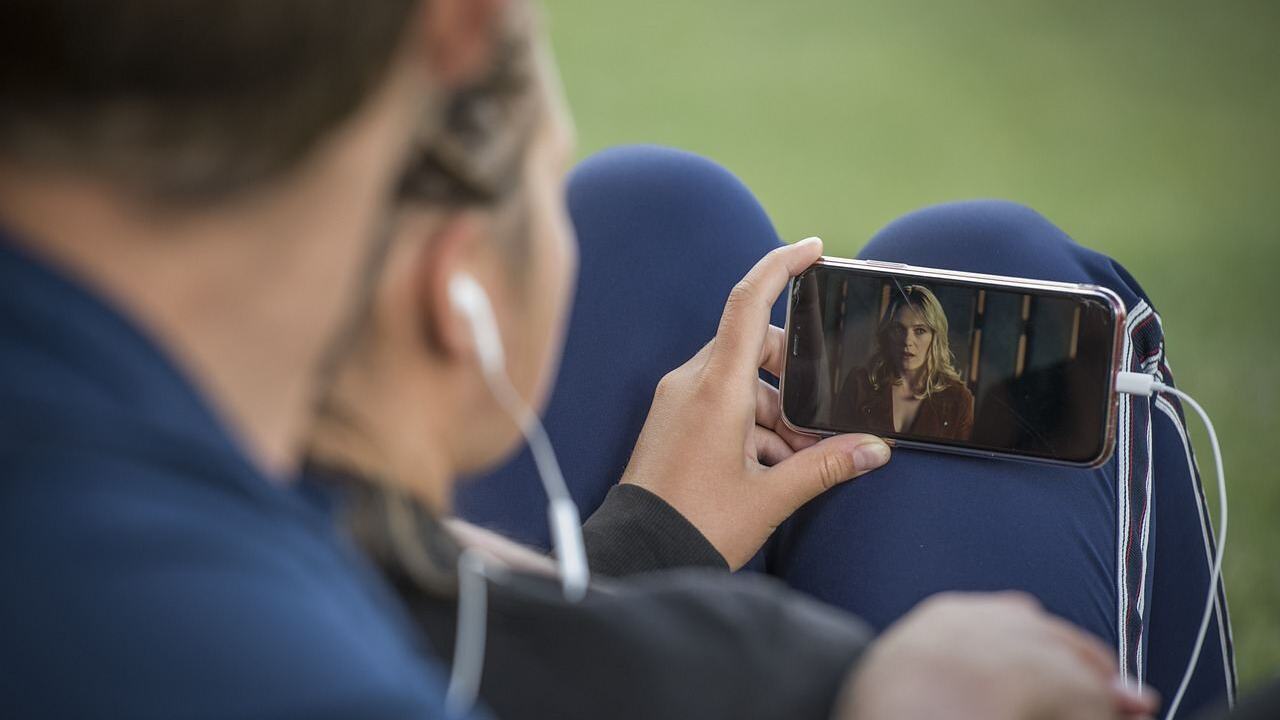
With cloud gaming, the game runs on a powerful remote machine. Your phone sends your taps or button presses over the internet and receives a video of the result.
That means the phone does not need a fast chip or lots of storage. It does need a steady connection, because every input travels to a server and back.
Streaming is different from downloading a game from an app store. Nothing heavy installs on your phone, and the library you can play depends on the service you pick.
What you need before you start
Xbox lists four basics for its service. Other services ask for much the same things.
- A subscription to the service (Xbox’s page names Game Pass).
- A compatible device. Xbox’s page lists Apple and Android phones and tablets, among others.
- A compatible controller connected by Bluetooth or USB, or a game that supports touch controls.
- A fast, stable internet connection.
Xbox’s page says you can play with an Xbox Wireless Controller, a Sony DualShock 4 and more, or use touch controls in supported games. Touch layouts are fine for a quick session, but a physical pad is usually more comfortable for action games.
How fast does your connection need to be?
For Xbox, the page asks for a Wi-Fi or LTE connection with a minimum of 10Mbps down-speed. It adds that some devices may require 20Mbps for the best quality.
NVIDIA’s GeForce NOW page, in its Italian version, ties speed to picture quality. It lists 15 Mbps for HD resolutions up to 60 FPS and 25 Mbps for full HD at 60 FPS.
Treat these as floors, not promises. A connection that tests well but shares a crowded home network can still stutter.
A quick way to judge your setup
- Run a speed test on the phone itself, on the Wi-Fi you plan to use.
- Compare the download result with the service’s number for the quality you want.
- Play a short session and watch for blur, lag or dropped frames.
- If it struggles, move closer to the router or close other streaming devices.
Choosing Wi-Fi or mobile data
Xbox’s page says it recommends a 5GHz Wi-Fi connection. That band is usually faster and less crowded than the older, slower band many routers also offer, though its range is shorter.
Many routers broadcast both bands under similar names. If your phone keeps joining the slower one, rename the faster network in your router settings so you can pick it on purpose.
Mobile data can work, since Xbox’s page lists LTE as an option. Streaming video all session uses a lot of data, so check your plan’s allowance before a long play.
Wherever you play, stay in a spot with a strong signal. A wired connection to a laptop or console is steadier still, but on a phone, a good 5GHz signal is the practical goal.
How to stream mobile games: your first session
- Choose a service whose catalogue has the games you want to play.
- Subscribe, or start with any free tier the service offers.
- Open the service’s app or website on your phone and sign in.
- Pair your controller over Bluetooth, or plug it in by USB, before you launch a game.
- Start with one game and adjust from there.
If you share the phone with a child, set limits first. Our guide to parental controls for mobile games explains the options.
Streaming versus installing: which suits you?
Streaming and installing each have a place. The right choice depends on your phone, your connection and the games you like.
When streaming makes sense
- Your phone is older or short on storage.
- You want console-style or PC-style games without buying that hardware.
- You want to try a game before committing to a big download.
- You play mostly at home on reliable Wi-Fi.
When a normal install is better
- You play on the move, where signal drops are common.
- You mostly play quick casual games that start instantly anyway.
- Your data plan is small or expensive.
- You want to play offline, such as on a flight.
Many players use both. They keep a few favourite games installed for travel and stream bigger titles when they are at home.
Common problems and simple fixes
Streaming needs a steady connection, so check that first. Work through the likely causes in order before you give up on a service.
- Blurry picture: your connection may be below the speed needed for that quality. Move closer to the router or lower the quality setting.
- Delayed controls: this is lag. Switch to the faster Wi-Fi band, pause other downloads and try again.
- Controller not found: remove the pairing, restart Bluetooth and pair again, or try a USB cable instead.
- Game will not start: check that your subscription is active and that the game is in the service’s library.
- Sudden disconnects: restart the router, and check that nobody else is streaming video on the same network.
If none of these help, test the same game on another device in the same room. If it behaves the same way, your network or the service may be involved, though this does not rule out the phone.
Tips for a smoother stream
- Close apps that download in the background.
- Keep the phone charged, because streaming video drains the battery quickly.
- Pick a quieter time of day if the network gets busy in the evening.
- Try a lower quality setting if the service offers one.
Lag is the hardest part of cloud play. Slower games, such as puzzle or turn-based titles, forgive it more than shooters or racing games.
Once you are comfortable, practice helps in any format. Our tips on how to get better at video games apply to streamed play too.
Frequently asked questions
Do I need a controller to stream games on my phone?
Show answer
Not always. Xbox’s page says you can play supported games with touch controls. A controller connected by Bluetooth or USB is usually more comfortable.
What is the minimum internet speed?
Show answer
For Xbox, the page lists 10Mbps down-speed as the minimum, with some devices needing 20Mbps for best quality. GeForce NOW lists 15 Mbps for HD up to 60 FPS. Check each provider’s page for current numbers.
Is Wi-Fi better than mobile data?
Show answer
Xbox recommends a 5GHz Wi-Fi connection, though it lists LTE as supported. Wi-Fi also saves your data allowance.
Does streaming need a powerful phone?
Show answer
No. The game runs on a remote machine, so the phone mainly has to decode video and handle your controls. Check the service’s device list for supported models.